Activity diagram
An activity diagram describes a workflow or process: the steps, the order they happen in, and the decisions and parallel paths along the way. It's well suited to business processes, algorithms, and anything that flows from a start to an end.
MicroCI can generate activity diagrams for the current workflow via option --activity-diagram:
Example
Generate the Plantuml description file
Generate images from the description files
- steps:
  - name: "Build diagrams with plantuml"
    description: "Build diagrams from textual description"
    plugin:
      name: "plantuml"
      source:
        - "docs/diagrams/*.puml"
      type: png
      config: "docs/diagrams/skinparams.iuml"
      output: "/microci_workspace/docs/diagrams"
Output
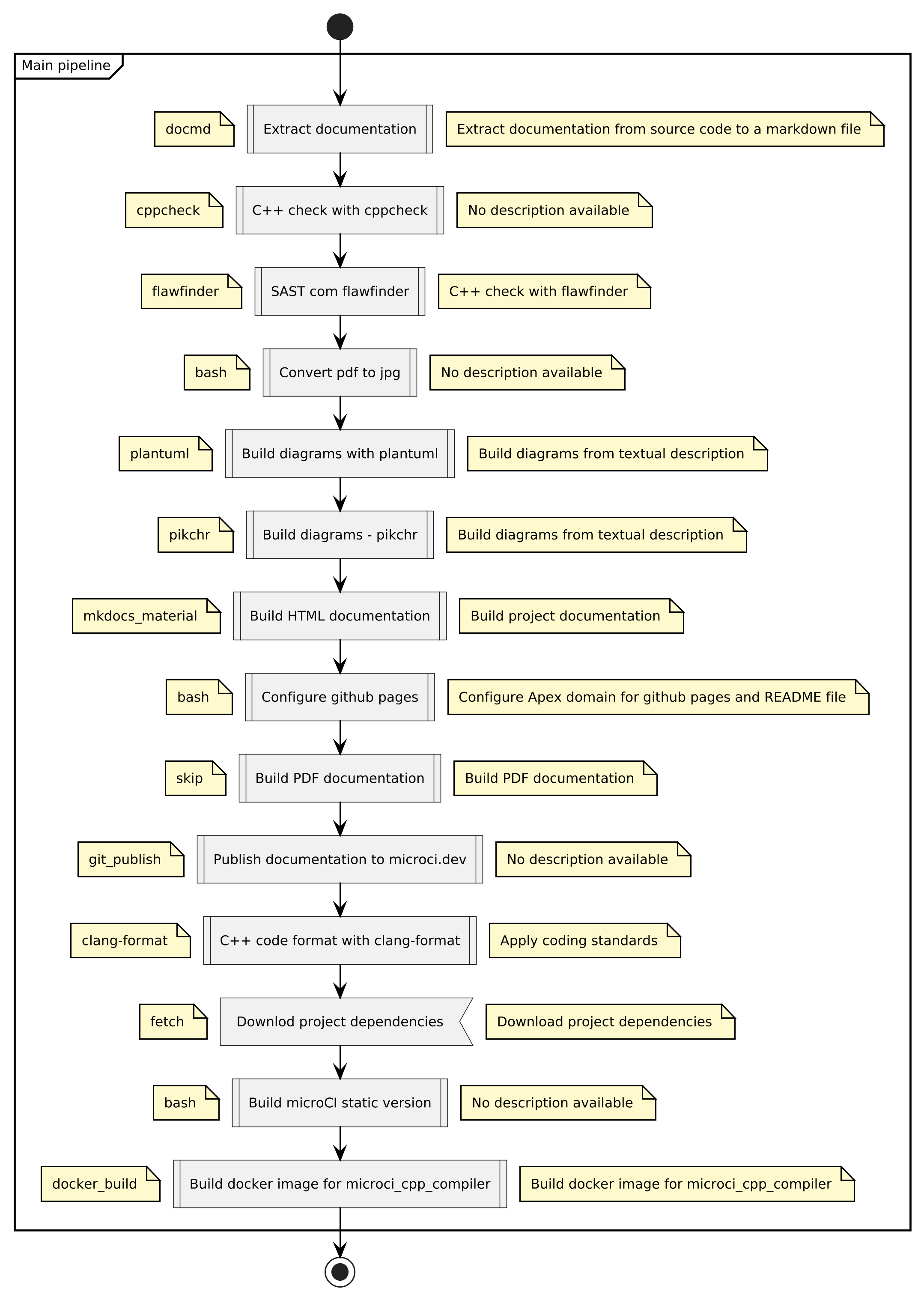
There are two king of steps:
- main step: list of sequential steps executed on the main pipeline
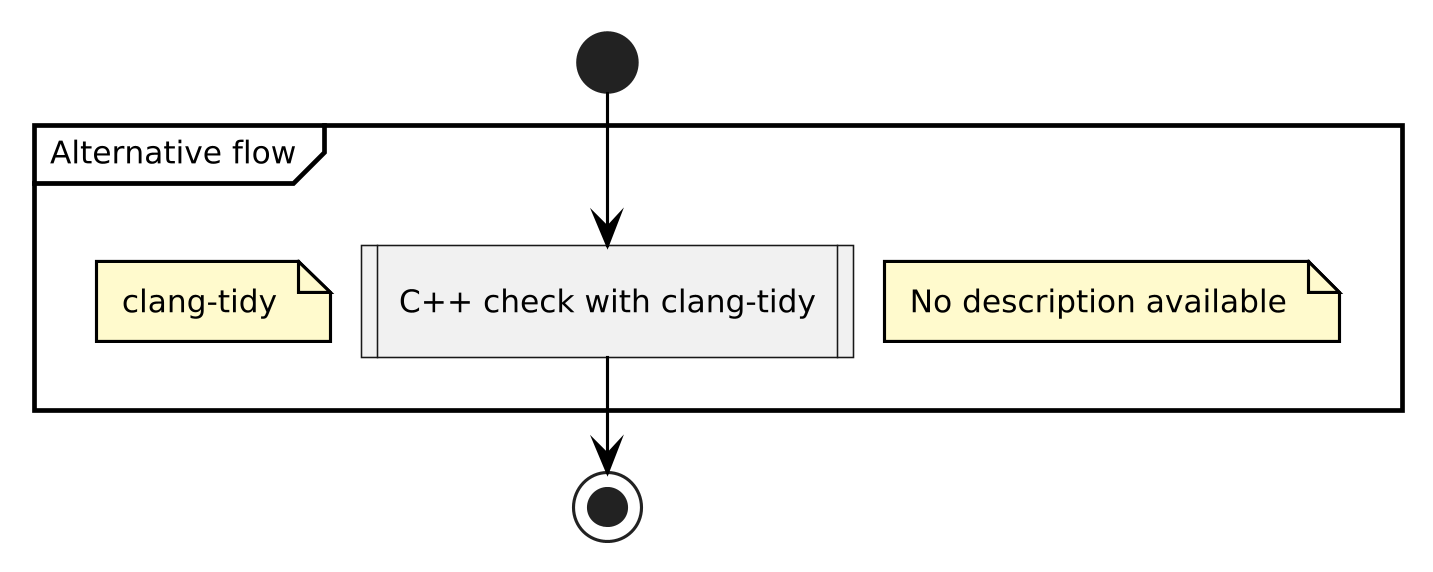
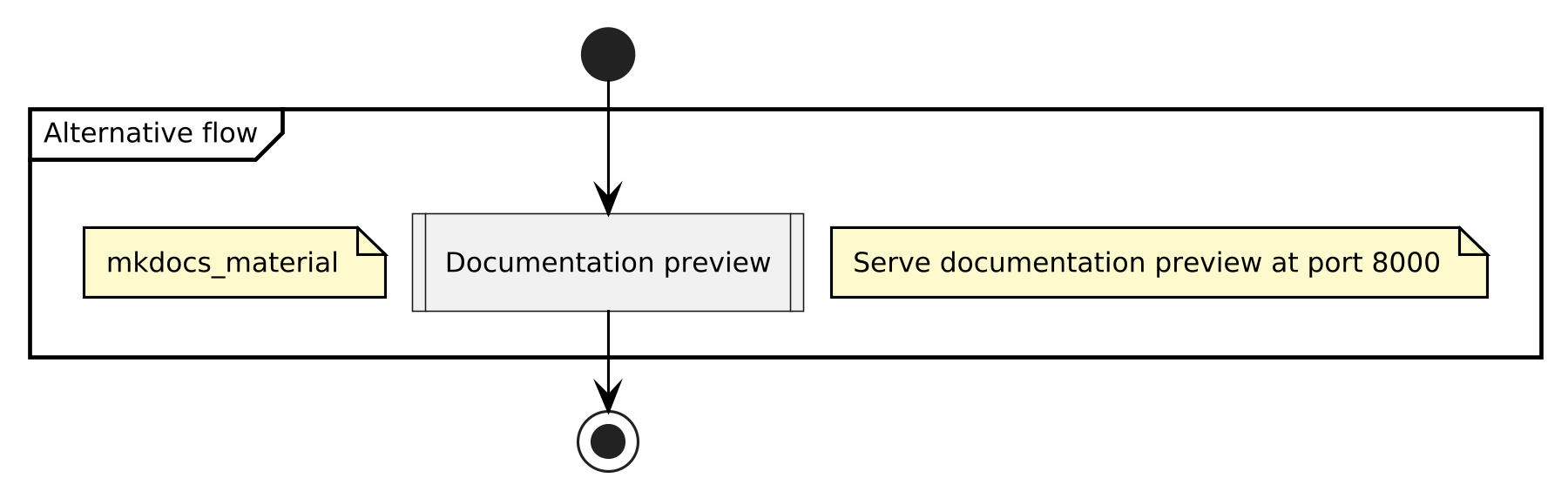
- only step: alternative single step executed alone
The diagrams below are generated automatically by microCI based on
.microCI.yml file.
Main pipeline
Alternative pipeline